

What you need before you start
Have these ready so you do not have to stop halfway through and reuse a weak shortcut:
- You must be at least 21 years old. Operators licensed in the Philippines are expected to check age, and so will we, even though this website does not run an account system.
- A valid government-issued ID. Verification is normally required before the first withdrawal, and the name on the ID must match the account name.
- A mobile number and an email address that only you can access, because codes and recovery links are sent there.
- A password manager or a notebook kept at home. A new, unique password is the single best protection you can give a new account.
Registration step by step
The screens can change between app versions, but the order is almost always the same.
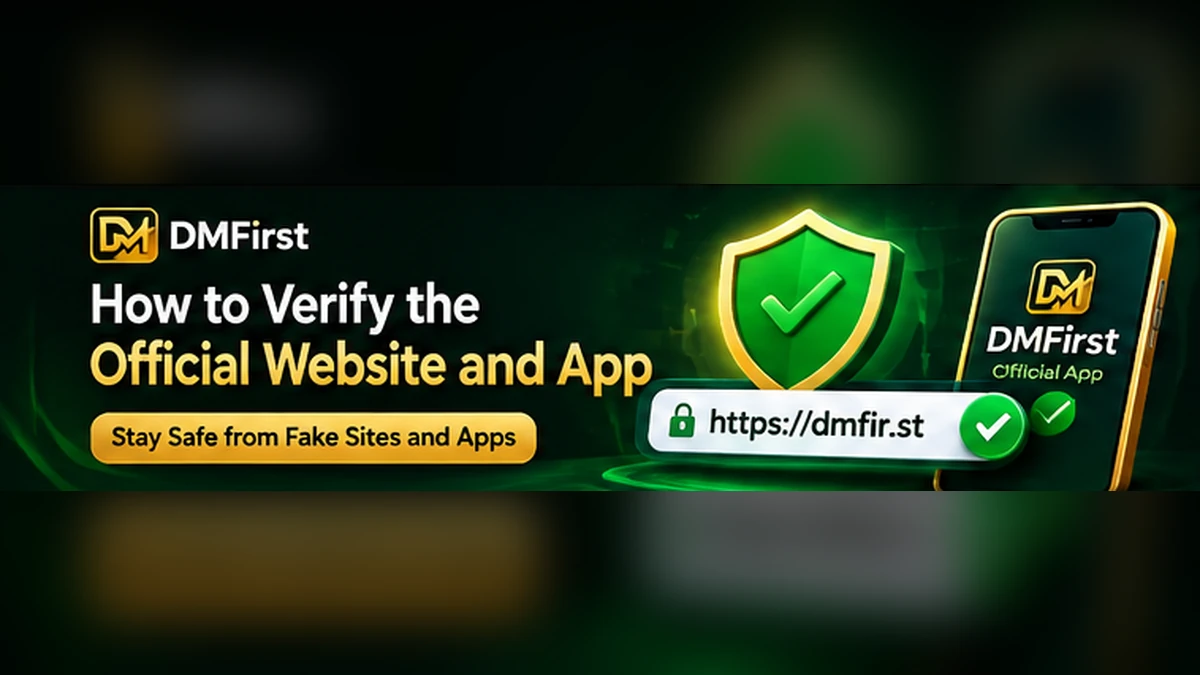
- Confirm you are on the official siteDo not search and click the first result. Use the link published by the operator and read our verification guide first.
- Open the registration formLook for a Register or Sign Up button. On the official site this opens a form on the same domain. If it jumps to a different domain, stop.
- Enter your real detailsUse your legal name exactly as it appears on your ID, your own mobile number and your own email address. Fake details are the most common reason withdrawals are held later.
- Create a strong passwordUse at least 12 characters and do not reuse one from another service. A short phrase of four or five unrelated words works well.
- Accept the terms after reading themSkim the terms for age rules, bonus conditions and how disputes are handled. You are agreeing to them.
- Verify your phone or emailEnter the one-time code sent to you. Never send this code to anyone, including someone claiming to be support.
- Complete identity verificationUpload clear photos of your ID if asked. Use the official upload screen only, never chat apps or email attachments sent to a stranger.
Common registration errors
The code never arrives
Check the number for typing mistakes, wait two minutes, then request a new code once. Repeated requests can lock the form temporarily.
The name or ID is rejected
This usually means a typo, a nickname used instead of the legal name, or a blurry photo. Retake the picture in daylight with all four corners visible.
The email is already in use
You may already have an account. Try the password reset flow described in our login guide instead of opening a second account, since duplicate accounts are often against the terms.
Protect the account straight away
Turn on any extra sign-in protection the operator offers, set deposit and time limits before you add money (see our limits guide), and keep screenshots of your registration confirmation. If something looks wrong later, those records make support requests much faster.
Conclusion
A careful registration is mostly about the first minute: the right website, true details and a unique password. Once the account is verified, spend five more minutes on limits and security settings. Next, read the full registration guide and the app download information if you plan to use the mobile app.
Frequently asked questions
Can I register with someone else’s ID or phone number?
No. Account details must belong to you. Using another person’s identity can lead to a frozen account and unpaid balances.
Do I need to download an app to register?
Not necessarily. Many operators allow registration in a mobile browser. Use whichever method the official site offers.
Is registering through this website possible?
No. DMFirst is an independent guide. Registration happens only on the operator’s official platform.